Android · iOS · Web
Download the be880 app – the best gaming experience on any device
The official be880 app is available on both Android and iOS. It's lightweight, fast, and data-friendly — runs smoothly on any network.

The official be880 app is available on both Android and iOS. It's lightweight, fast, and data-friendly — runs smoothly on any network.
From smartphones to tablets, be880 is always with you.
Works reliably on all popular Android phones including Samsung, Xiaomi, Oppo, Realme, and Vivo. Install the APK directly — no Play Store required.
Be880 runs smoothly on iPhone and iPad. Built to meet Apple's security standards, the app is easy on both battery and data.
You can use be880.win directly in your browser without installing the app. Works the same across Chrome, Firefox, and Safari.

Many people wonder what the app offers that a browser doesn't. The be880 app actually has advantages the web version can't match — it accesses your device's hardware directly, so game graphics are noticeably smoother and load times are significantly shorter.
You'll also get instant push notifications about new be880 offers, bonus updates, and game events. The app also works partially offline, so the experience stays solid even on a weak connection.
Every feature built with the user's convenience in mind.
The app launches in just 2–3 seconds. No repeated loading like a browser — jump straight into the game.
Log in with Fingerprint or Face ID — no need to type your password, and it's more secure.
Get instant notifications when a deposit goes through, a withdrawal is processed, or a new bonus becomes available.
The be880 app runs smoothly even on 3G. Gaming stays uninterrupted in rural areas or wherever the signal is weak.
The app is fully available in Bangla. Menus, buttons, notifications — everything displays in Bangla.
The app notifies you when a new version is available. No need to check manually — just update with a tap.
Install the be880 app on your Android phone in just a few simple steps.
Tap the Android APK download button on the be880 website. The file will be saved to your phone's Downloads folder.
Go to Settings → Security → Unknown Sources and turn it on. Alternatively, when you open the APK file, it will prompt you for permission directly — just tap Allow.
Tap the downloaded APK file from your File Manager or Notification Bar.
When the installation prompt appears, tap the "Install" button. The process completes in 15–30 seconds.
Tap the be880 icon on your Home Screen or App Drawer. Log in to your existing account or create a new one.
Go to Profile Settings and add your preferred payment method. Then make a deposit and start playing.
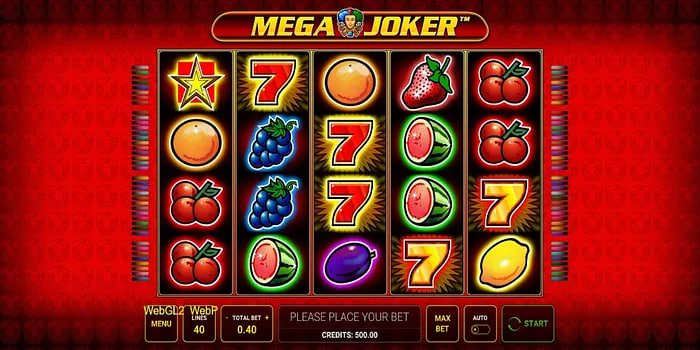
Installing be880 on iOS is just as straightforward as on Android, though the steps differ slightly. Tapping the iOS download link on the be880 website will take you directly to the App Store or give you the option to install via TestFlight.
Another easy option is to open be880.win in Safari and use the "Add to Home Screen" option. This creates an app-like icon and lets you run be880 in fullscreen mode — just like a native app.
Tip: To add be880 on iOS, open the site in Safari → tap the Share icon at the bottom → select "Add to Home Screen" → give it a name and tap Add. That's it — be880 will appear right on your home screen.
Check the list below to confirm your phone meets the requirements to run be880.
| Subject | Android | iOS |
|---|---|---|
| Minimum OS version | Android 5.0 (Lollipop) | IOS 12.0 |
| Processor | Quad-core 1.4 GHz+ | A9 chip or above |
| RAM | Minimum 2 GB | Minimum 2 GB |
| Storage | 50 MB free space | 60 MB free space |
| Internet | 3G / 4G / WiFi | 3G / 4G / WiFi |
| Recently Tested Devices | Samsung S23, Xiaomi 13, Oppo A78 | IPhone 15, iPhone 12, iPad Air |

Be880 releases regular app updates — each one adds new games, fixes bugs, and strengthens security. Using an outdated version may cause some games or features to not work properly.
The app sends update notifications automatically, so there's nothing to check manually. Updates typically install within 5–10 minutes, and your account balance and history remain fully intact.
Answers to the most common questions about downloading and installing the be880 app.
Android, iOS, or browser — enjoy be880 on whatever works best for you. Registration is completely free.